How to choose
Step Up
direct scholarship funding
Families approved for Step Up For Students Direct Funding can use their scholarship funds for eligible services at Little Moments Learning Lab. Simply follow the steps below to locate our provider profile and submit your request through the EMA Marketplace.

Step 1: Log Into Your EMA Account
Sign in to your Step Up For Students EMA account and select Marketplace from the menu.
Step 2: Find Providers
Click Find Providers to search for approved education providers.


Step 3: Search for Little Moments Learning Lab
In the search bar, type Little Moments Learning Lab and click Search.
Step 4: Select the Provider
Click on Little Moments Learning Lab from the search results.


Step 5: Choose the Virtual Location
Select the Virtual location from the available options.
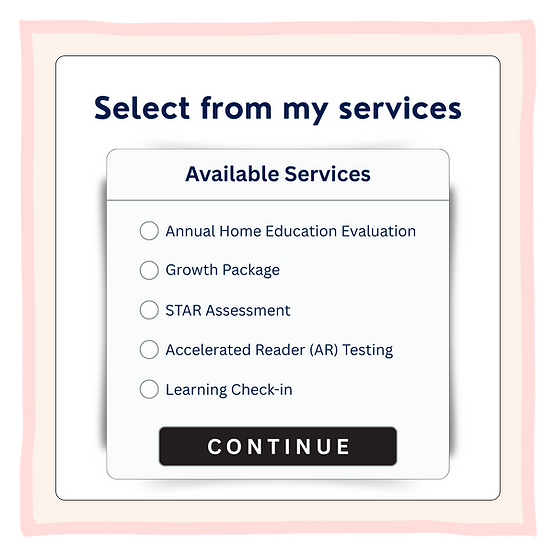
Step 6: Select Your Service
-
Choose the Part-time Tutoring or Annual Evaluation option that you want.
-
Select quantity 1.
-
Add to cart.
-
Open your cart and ADD STUDENT GRADE TO THE NOTES BOX (Format: K, 1, 2, 3, 4, 5, 6, 7, 8, 9, 10, 11, 12)
-
Reserve your funds
-
Click on the box to allow contact information to be sent